If you are planning delivery routes by hand every week, you already know how the time adds up.
- A spreadsheet here,
- A mapping app there
- A phone call to the driver when something changes
It works until your stop count grows past the point where doing it manually is still reasonable.
Route optimization software for farms removes that weekly planning burden by building and sequencing your routes automatically. This guide covers how it works, what to look for, and what changes when you stop planning routes by hand.
Quick Answer
Route optimization software for farms automatically sequences your delivery stops into the most efficient order, reducing the time and fuel your driver spends on the road each week. Instead of building routes manually in a spreadsheet or general mapping app, the software calculates the best run based on your addresses, delivery windows, and preferences and updates automatically when stops change.
Key Takeaways
- Route optimization software sequences stops automatically based on location, saving planning time on every delivery run
- Manual route planning in spreadsheets or mapping apps becomes a significant weekly burden past 15 to 20 stops
- The difference between “fastest” and “shortest” route matters for farm delivery – fuel cost and driver time do not always point to the same answer
- Last-minute order changes are handled automatically when route software is connected to your ordering system
- Built-in route optimization, included in your farm delivery platform, is more reliable than stitching together separate apps
- Dairy farms, food hubs, and CSAs all use route optimization differently – the right software should handle your specific stop types
How Route Optimization Actually Works for Farm Deliveries
Route optimization is not just putting addresses into a map. A general mapping app shows you directions from stop A to stop B. Route optimization software does something more specific: it takes your full list of stops and calculates the order that minimizes total drive time or total distance, or a combination of both.
Multi-Stop Sequencing: What the Software Is Actually Calculating
When you have 30 delivery stops spread across a county, there are thousands of possible sequences you could drive them in. Most are inefficient. A few are close to optimal. Route optimization software tests those possibilities automatically and returns the sequence that performs best against your chosen criteria.
Fastest vs. Shortest Route: What Is the Difference?
| Criteria | What It Optimizes | Best Used When |
|---|---|---|
| Fastest route | Minimizes total drive time | Morning deliveries with traffic, restaurant time windows |
| Shortest route | Minimizes total miles driven | Fuel cost is the priority, low-traffic rural areas |
| Custom sequence | Manual order you define | Specific stops need a fixed order regardless of efficiency |
Good route optimization software lets you choose which metric to optimize and adjust it in seconds depending on the day.
Adjusting for Last-Minute Changes
On a farm delivery route, changes happen. A buyer cancels. A new order comes in. A stop needs to move to a different day.
When your route software is connected to your ordering system with a clear cut-off time, changes before the cut-off update the route automatically. Changes after the cut-off are held for the next cycle. Your driver works from a confirmed list rather than a moving target.
Related reading: How to Choose the Right Farm Delivery Software for Your Business – a full breakdown of what to look for when evaluating platforms.
Step-by-Step: Going From Manual Route Planning to Route Optimization Software
The typical farm transition looks like this:
Current State vs With Route Software
| Current State | With Route Software |
|---|---|
| Sunday night spreadsheet | Software builds route automatically |
| Manual stop sequencing | Fastest or shortest optimized in seconds |
| Printed list for driver | Driver app with live stop-by-stop view |
| Phone calls mid-route | Delivery confirmation via app |
| Re-planning on every change | Route updates at cut-off automatically |
Step 1: Document your current delivery stops List every regular stop with address, delivery day, and any time window requirements. This is the data your route software needs to get started.
Step 2: Identify your biggest friction point Is it planning time? Driver calls mid-route? Last-minute changes? Knowing your pain point helps you evaluate software more clearly.
Step 3: Choose a platform with routing built in Look for delivery software where route optimization is part of the platform, not a separate app requiring a separate subscription. When routing and ordering live in the same system, stop lists update automatically.
Step 4: Configure routes and cut-off times Set up your delivery routes in the software. Assign stops to routes. Set cut-off times for each route so orders lock automatically before your packing window.
Step 5: Run a test before going live Once that is setup, use your actual addresses to generate a test route and compare it to what you would have planned manually. This is where most farms see the difference immediately.
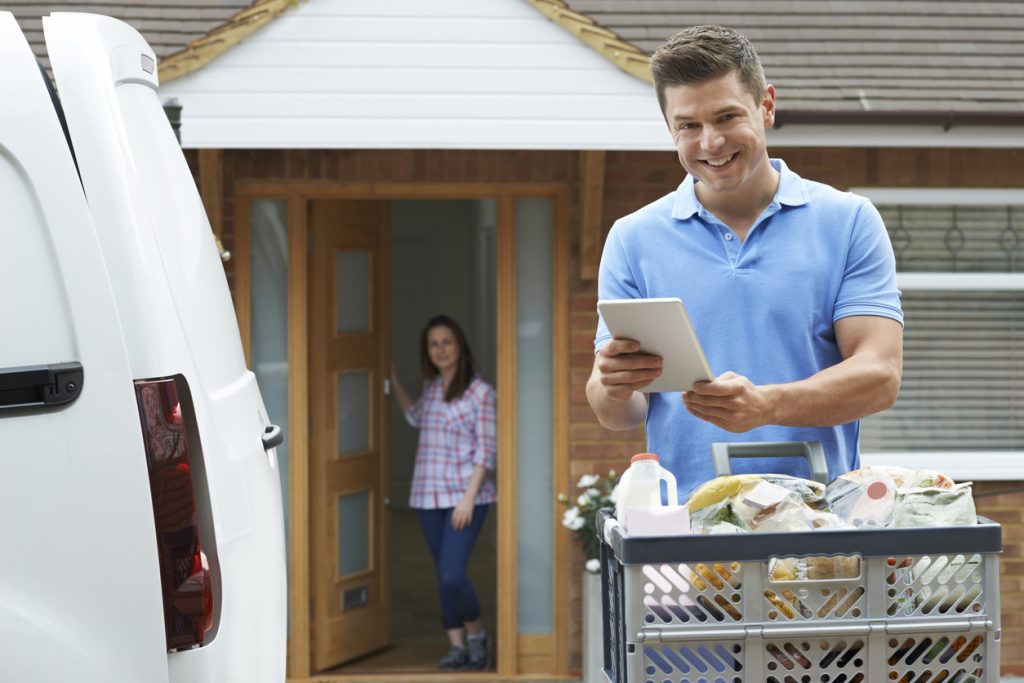
Step 6: Put the driver on the app Once routes run through software, your driver works from a mobile app rather than a printed list. Stop-by-stop navigation and delivery confirmation remove the need for check-in calls.
Practical Examples: What Route Optimization Looks Like on a Working Farm
A Dairy Farm With 40 Weekly Home Delivery Stops
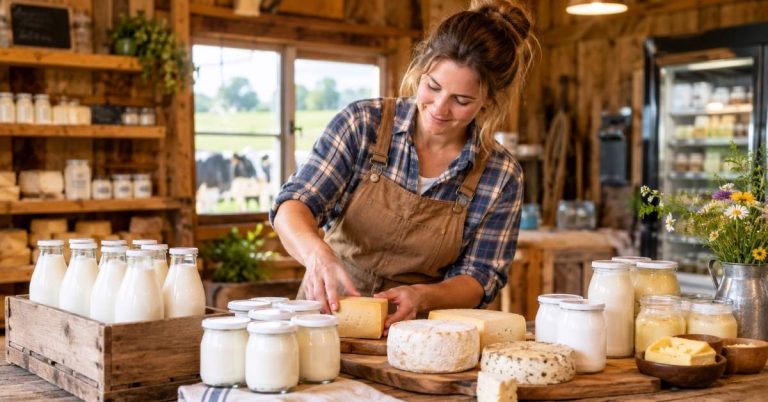
A dairy farm delivering to 40 households across three zip codes has been planning routes in a spreadsheet for two years. The owner spends an hour every Tuesday sequencing stops by hand and printing a list for the driver.
With route optimization software, Tuesday planning takes minutes. Cancellations before the cut-off remove the stop automatically. The driver works from a mobile app with each stop loaded in the optimized sequence. The farm also tracks bottle returns per stop within the same system, so deposit credits reconcile without a separate spreadsheet.
Related reading: What Is a Herdshare? The Complete Guide to Raw Milk Memberships – if your dairy operation includes a herdshare program, here is how that membership model works alongside delivery.
A Food Hub With Multiple Buyer Types on the Same Route
A regional food hub delivers to restaurants, a school cafeteria, and consumer pickup points on the same Friday route. Each stop type has different requirements: restaurants need early delivery, the school has a specific receiving window, and consumer stops are flexible.
Route optimization with delivery time windows assigned per stop handles this automatically. The system builds a sequence that respects each stop’s requirements while minimizing total route time.
A CSA Farm With Seasonal Route Changes
A CSA farm adds 15 new members each spring and drops several stops each fall. Every season involves rebuilding the route from scratch. With route optimization software, adding or removing stops takes seconds. The system recalculates the sequence automatically.
Common Mistakes Farms Make With Delivery Route Planning
| Mistake | Why It Costs You |
|---|---|
| Planning routes by habit, not efficiency | The original sign-up order is rarely the optimal delivery sequence |
| Using a general mapping app for multi-stop delivery | Not designed for sequencing – you are doing the optimization manually |
| No firm cut-off time | Route is never final, packing list is always provisional |
| Routing and ordering in separate tools | Manual data transfer between systems creates errors every week |
| Never reviewing routes seasonally | A route efficient at 20 stops may not be efficient at 40 |
What to Look For in Route Optimization Software: A Buyer’s Checklist
If you are evaluating farm delivery software, check these criteria specifically for the routing component:
- Is route optimization included in the base plan? Some platforms charge extra for routing or require a third-party subscription.
- Can you switch between fastest and shortest route quickly? You should be able to toggle this in seconds, not reconfigure the system.
- How does it handle last-minute order changes? Ideally, changes before cut-off update the route automatically.
- Does the driver work from a mobile app? Stop-by-stop navigation with delivery confirmation removes the need for printed lists.
- Can you set different cut-off times per route? Different buyer types often need different order deadlines.
- Does it support farm-specific workflows? Bottle deposit tracking, delivery notes per stop, and route sheets should be part of the same system.
- Can you assign stops by drawing on a map? Useful when you want to group nearby customers into a route visually.
Ready to see these features in action?
Book a free live demo and we will walk through the route planner with your actual delivery area and stop count.
Why Smart FDS’s Routing Is Different for Farm Operations
Route optimization in Smart FDS is included in every plan with no separate routing subscription required. You are not combining a farm delivery platform and a third-party routing app. It is all one system.
Here is what that looks like in practice:
| Feature | What It Does |
|---|---|
| Built-in route planner | No third-party app, no extra subscription |
| Fastest or shortest toggle | Switch between criteria in seconds |
| Automatic stop assignment | New customers assigned to routes by ZIP code automatically |
| Driver app with delivery manifest | Stop-by-stop navigation and confirmation on mobile |
| Bottle and crate return tracking | Deposit credits reconcile per customer within the route workflow |
| Route sheets and load sheets | Printable or digital, generated automatically |
| Delivery map explorer | Visualize all customers on an interactive map before you build routes |
| Draw shapes on map to assign stops | Group nearby customers into a route visually |
| Estimated drive time per stop | Timeline view with accurate ETAs for each stop |
| Multiple vehicle support | Load sharing across multiple drivers and trucks |
For dairy farms, Smart FDS handles bottle deposit tracking within the delivery workflow. For food hubs with multiple buyer types on the same route, delivery time windows are assigned per stop so the optimized sequence respects each buyer’s requirements automatically.
The route connects directly to your ordering system. When orders close at cut-off, the confirmed stop list is already in the driver’s app. No manual export, re-entry. No printed list that might already be out of date.
Explore the full feature set: Smart FDS Features including route optimization, driver app, bottle tracking, and delivery scheduling.
Route Optimization: What Farm Owners Want to Know
How does route optimization software work for farm deliveries?
Route optimization software takes your full list of delivery stops and calculates the most efficient sequence automatically, based on your choice of fastest or shortest run. For farm delivery, the software connects to your ordering system so the route updates when stops change before the cut-off, and your driver works from a confirmed list via a mobile app.
What is the difference between fastest and shortest route?
The shortest route minimizes total miles driven. The fastest route minimizes total drive time. These are not always the same because road speed, traffic, and stop density all affect drive time independently of distance. Most farm operations benefit from being able to switch between the two quickly depending on the day’s priorities.
How many stops does a farm need before route optimization is worth it?
Most farms find that manual route planning becomes a noticeable weekly burden somewhere between 15 and 25 stops. Below that, a simple mapping app may be sufficient. Above it, the time spent planning manually each week justifies a software solution, particularly when combined with automatic cut-offs and a driver app.
Can route optimization software handle different delivery time windows per stop?
Yes, if the software supports it. Food hubs and farms serving restaurants, schools, and consumers on the same route need time windows assigned per stop so the optimized sequence respects each buyer’s requirements. This is a specific feature worth confirming during any software evaluation.
Does farm route optimization software work for bottle deposit tracking on dairy routes?
It depends on the platform. General delivery software does not handle bottle deposits. Smart FDS includes bottle deposit and crate return tracking within the delivery workflow so credits reconcile per customer without a separate system.
What happens if a customer cancels the morning of delivery?
With a firm cut-off time, cancellations after the cut-off are held for the next cycle and do not affect the current route. Cancellations before the cut-off automatically remove the stop and update the sequence. The driver always works from a confirmed list.
Can I visualize my delivery customers on a map before building routes?
Yes. Smart FDS includes a Delivery Map Explorer that lets you visualize all customer locations on an interactive map. You can also assign stops to routes by drawing shapes on the map, which makes it easy to group nearby customers visually before optimizing the sequence.
Sources
- USDA Agricultural Marketing Service, Direct-to-Consumer Marketing Research: ams.usda.gov
- American Farm Bureau Federation, Farm Operations Resources: fb.org
- NCAT ATTRA Sustainable Agriculture Program: attra.ncat.org
Related Resources
- Smart FDS Features: Route Optimization, Driver App and Delivery Scheduling
- How to Choose the Right Farm Delivery Software for Your Business
- What Is a Food Hub? How to Start and Run One Successfully
Ready to See Your Own Routes Optimized?
If you are planning delivery routes manually each week, the time you spend on that task grows with every new stop you add. At a certain point it is not a planning problem anymore. It is a systems problem.
Smart FDS includes route optimization in every plan with no third-party routing subscription needed. Set up your stops, configure your cut-off times, and let the system build the route. Your driver gets a confirmed stop list on their phone before they leave the farm.
No setup fee. No transaction fees. Most farms are live within a week.
Ready to stop planning routes manually? See your own routes optimized in a live demo.